The Scripts guides
Good ideas deserve
a good take.
A little guidance for every part of the process. Find your words, make them yours, and get comfortable saying them on camera.
Start here · 6 min read
How to write a video script that sounds natural
Build a useful brief, refine your draft, and rehearse it out loud. A practical guide to writing a natural video script with Scripts.
Read the guide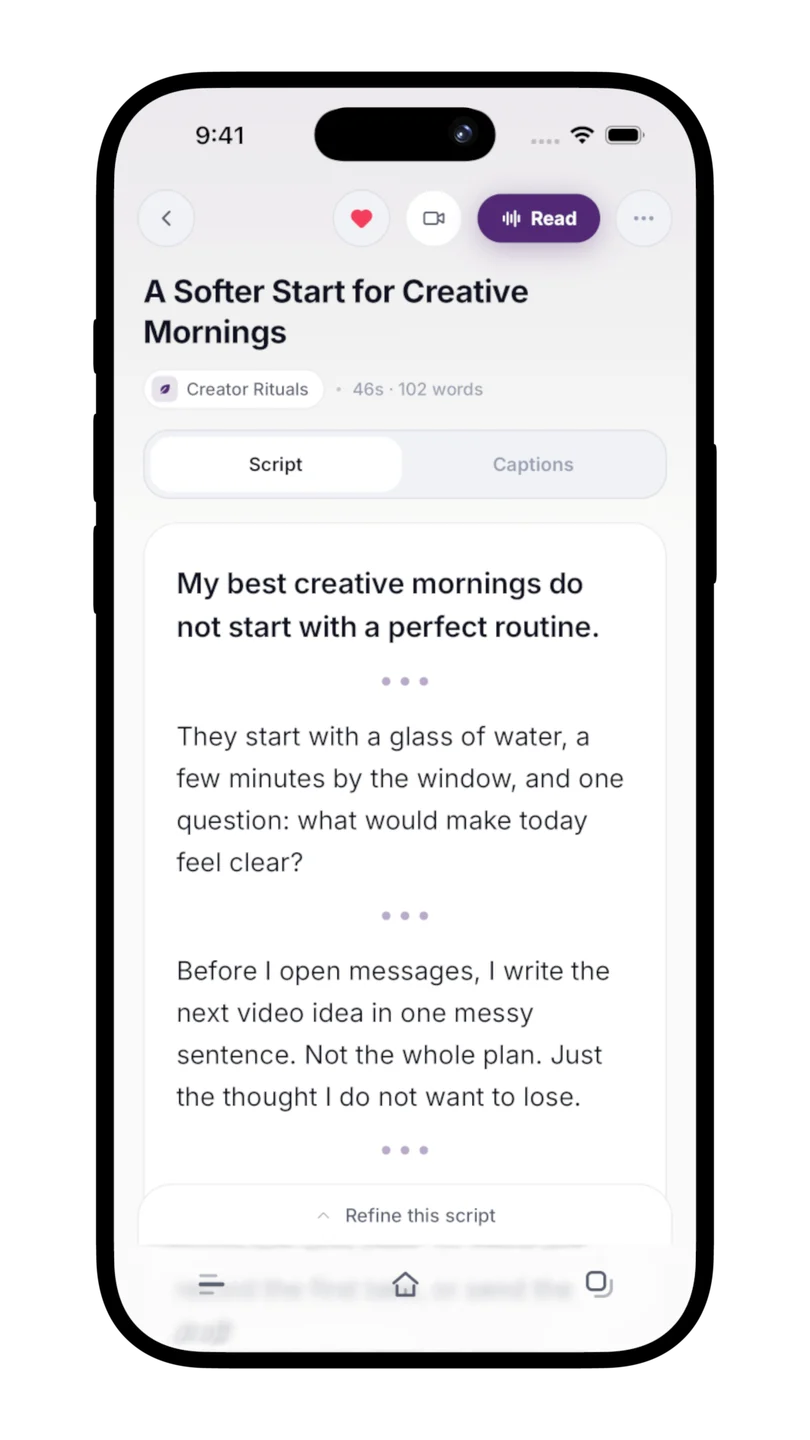
Keep the process moving
One guide for the next thing you want to do.
Voiceover 6 min read
Find the words for the footage you already have
Write a voiceover script for a Reel, Short, tutorial, or product demo. Follow a worked example from footage notes to narration, then check the timing out loud.
Ideas 5 min read
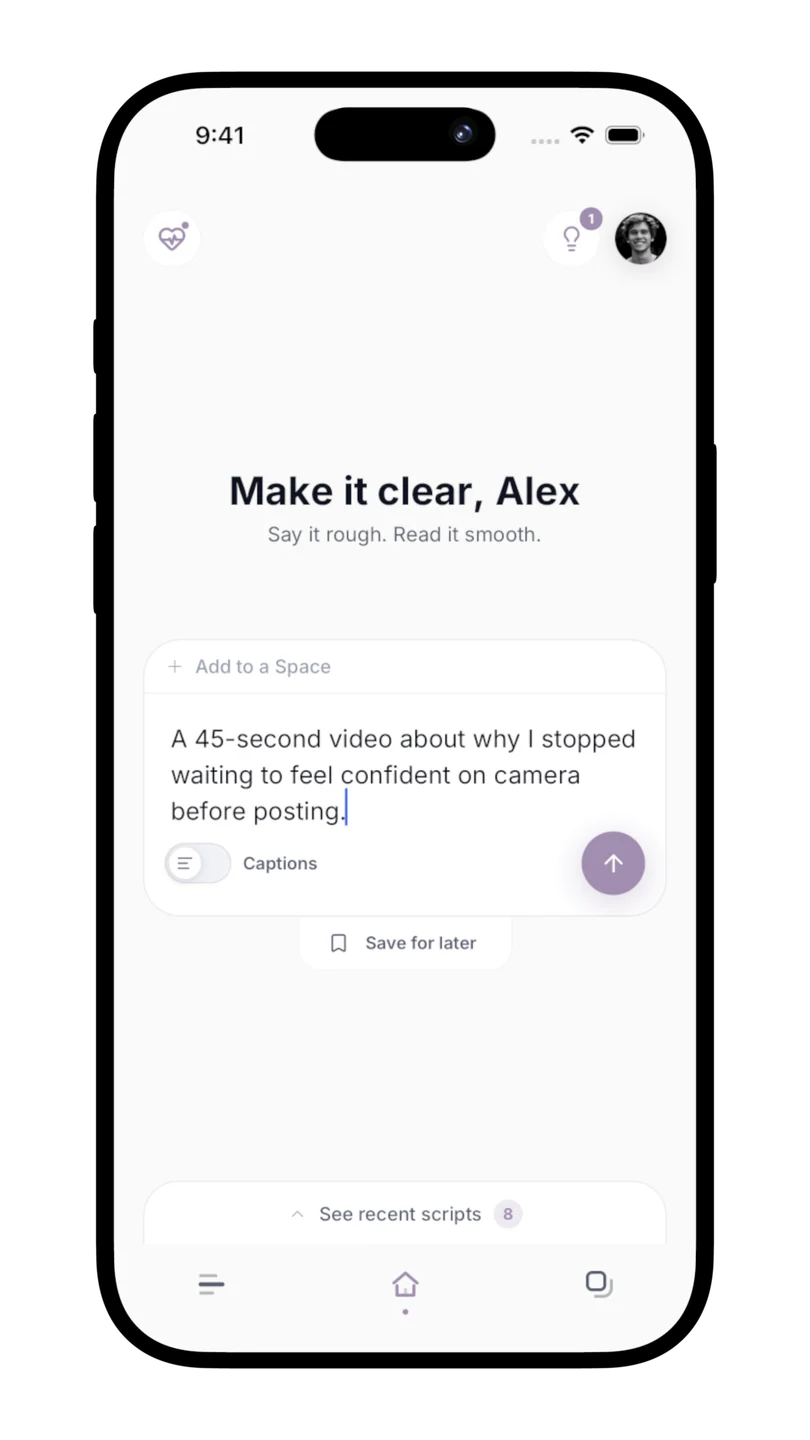
Keep good ideas before they disappear
Save rough content ideas without generating a script, find them again, and turn the right one into a video when you are ready.
Spaces & voice 6 min read
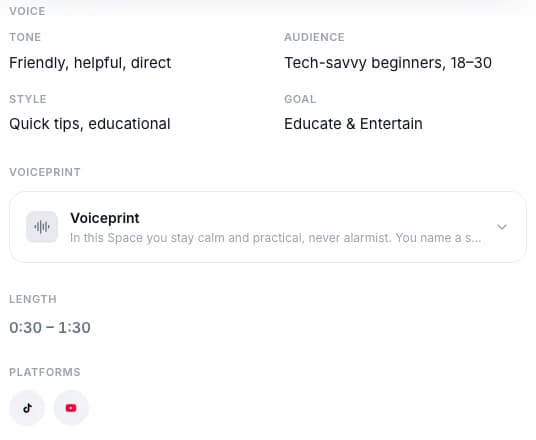
Give every script the right context
Use Spaces to remember your audience, tone, and preferences, and understand how Voiceprint learns from your own writing in Scripts.
Reading Mode 5 min read
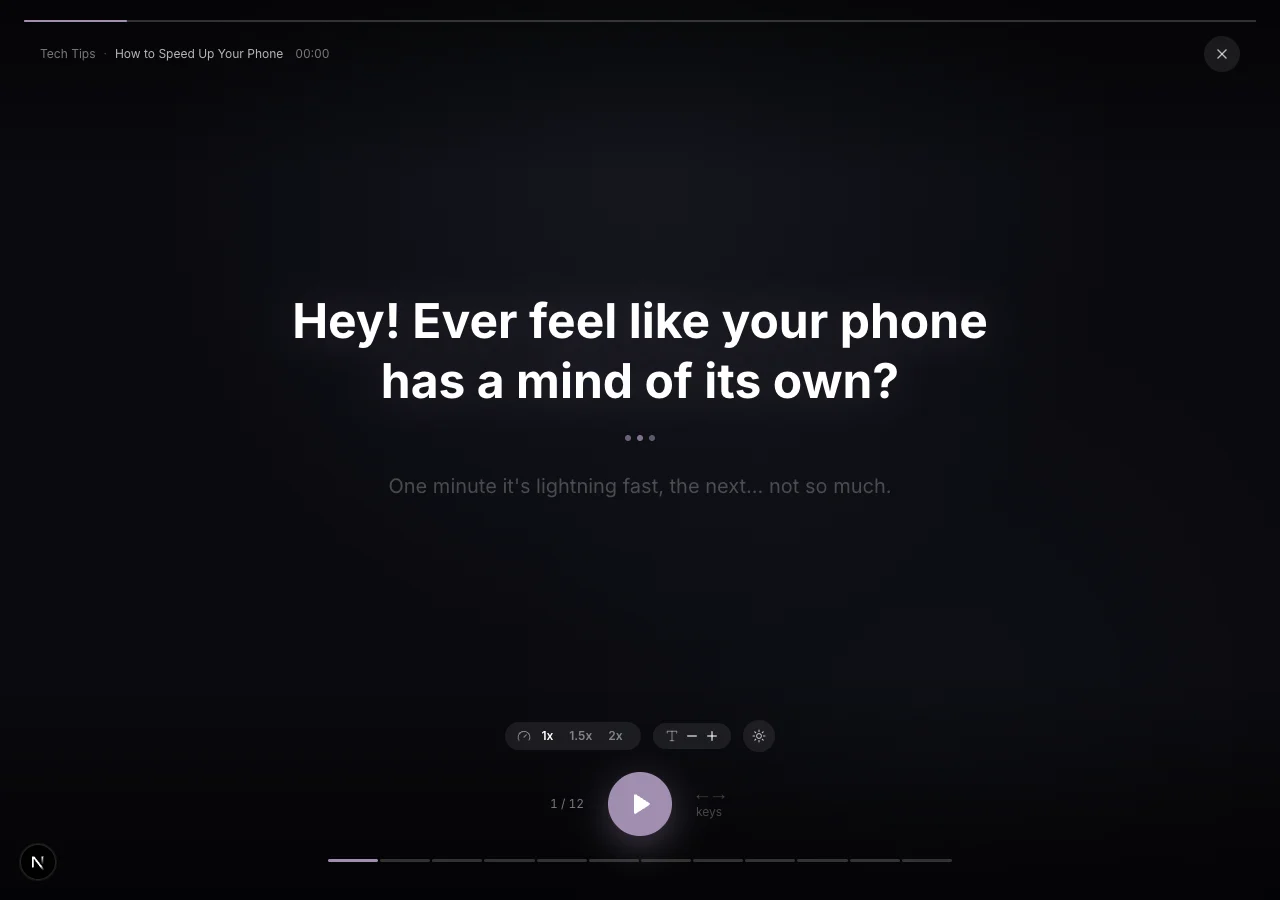
Read comfortably. Keep your delivery natural.
Prepare speakable lines, adjust your pace and text size, and rehearse with Scripts Reading Mode before you record.
Capture 5 min read
Keep your words in view while you film
Set up your shot, rehearse a short test, and use Scripts Capture to record a clean video with the script over the lens.
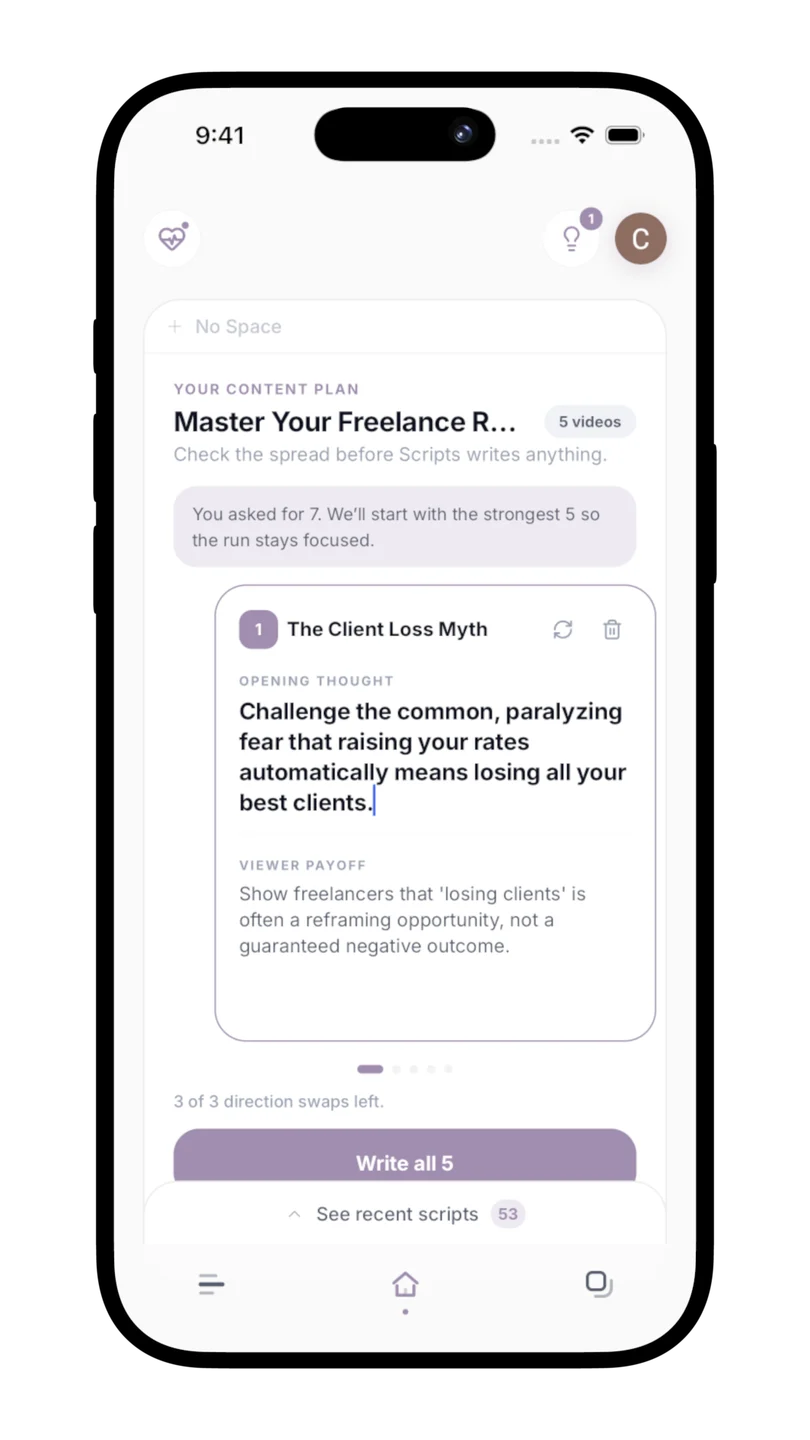
Content Runs 5 min read
Turn one topic into several focused videos
Plan a small video series, review each direction before writing, and keep the resulting scripts together with Scripts Content Runs.